Web Development
Project One
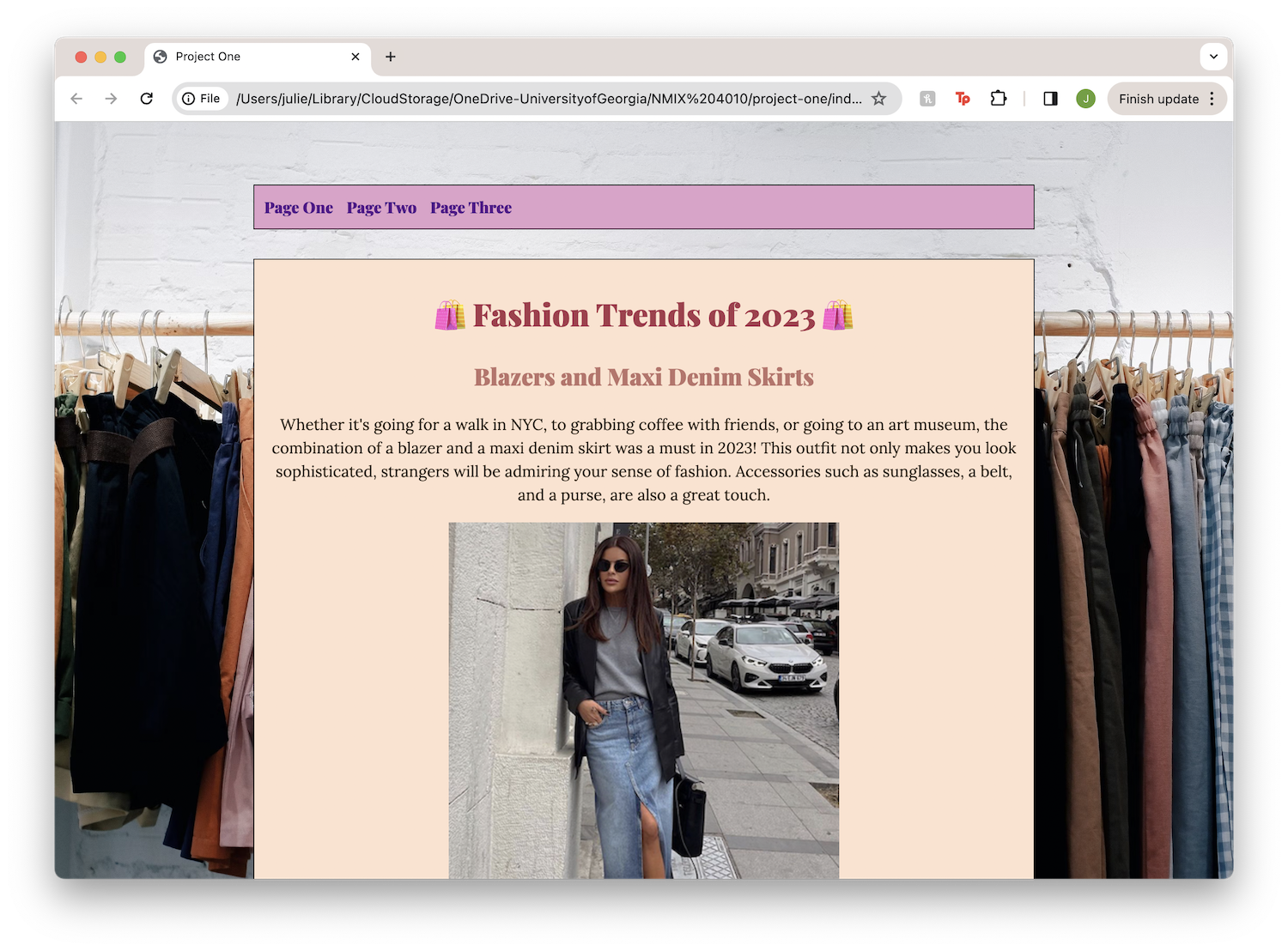 View Project One
Skills Acquired
- As a beginner, I now know how to add headers, titles, and body text to a website
- I know how to manipulate text whether it is its color, font, or alignment
- I can now insert images and change its size
- I learned how to format basic html to make a website
- I understand most of the proper indentation in code along with how to make lists, headers, and backgrounds
- I learned how to input different Google fonts onto the website
Struggles Faced
- I faced the difficulty of inputting multiple Google fonts at first
- It took me quite some time to figure out how to change the background of the website
- I struggled with changing certain text colors
Things I'm Proud Of
- I like how I was able to figure out how to insert emojis in the headers
- I'm proud of my overall color coordination throughout the website
- I am proud of consistency with the alignments, text sizes and colors, and fonts
Thing I Would Like to Learn
- I want to learn how to incorporate a carousel into my document that contains visuals and different types of media.
- I want to be able to format my text and images in a variety of ways and not just one under the other in a center alignment.
- I hope to learn how to implement different design layouts for the website and have unique elements that display my content.
Project Two
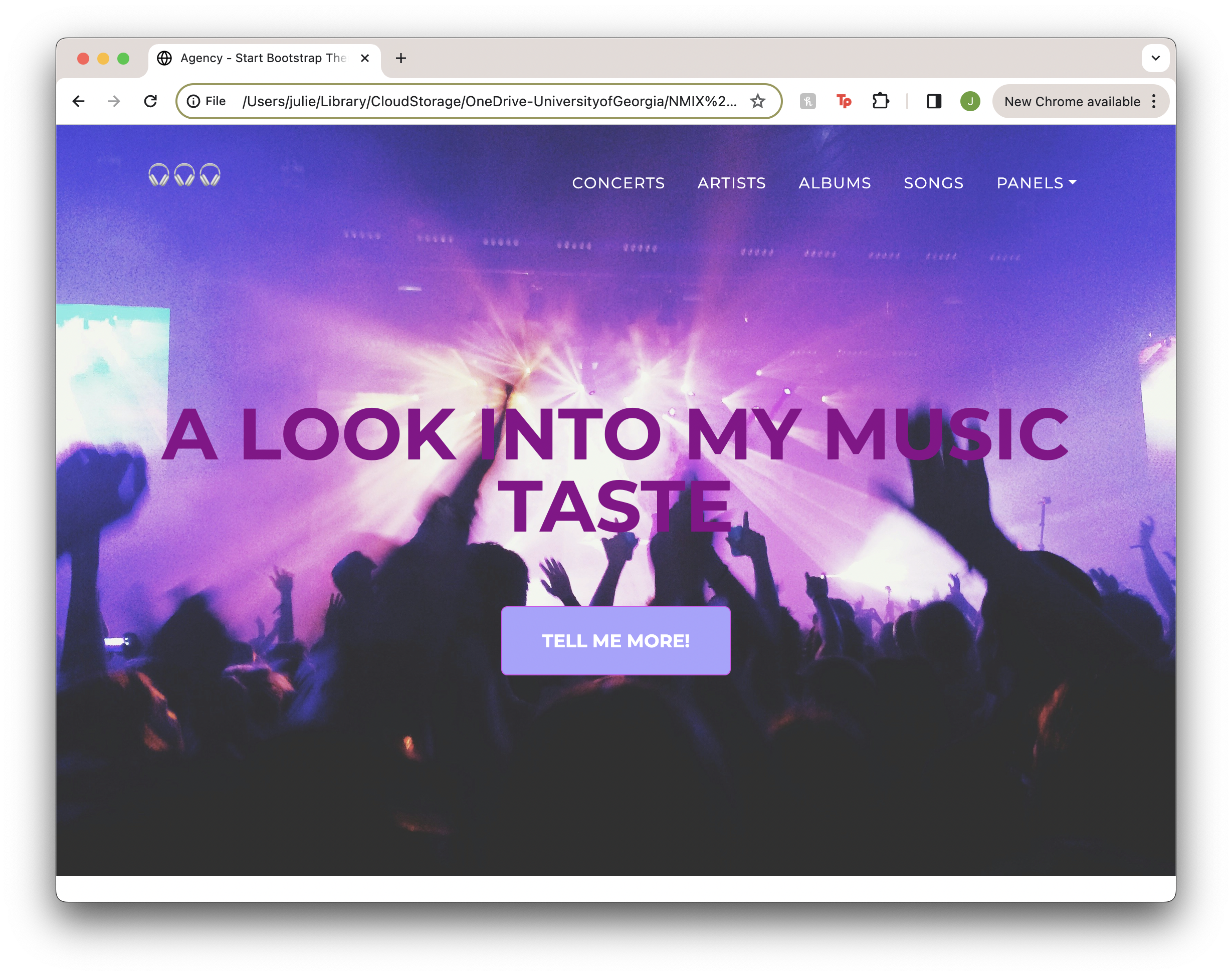 View Project Two
Skills Acquired
Panel One:
- I learned how to include a scrolling container to incldue my images
- I know how to create buttons now where they link to a different website
- I know how to link my nav bar topics to other pages
Panel Two:
- I learned how to apply a bootstrap template to the content I already had
Panel Three:
- I learned how to customize hover colors for buttons
- I learned how to customize template features such as border colors
Struggles Faced
Panel One:
- I was not able to figure out how to align my bottom two sections with the center of the page, which was frustrating, but I hope I will be able to learn and fix it eventually or for the next project
- I struggled with making the layout look good on both desktop and mobile
Panel Two:
- I had trouble with making the information I had look good with the template I chose
Panel Three:
- I struggled with finding what elements I needed to customize
Things I'm Proud Of
Panel One:
- I am proud of my inclusion of the buttons on my page to be links to the songs I like
- I am happy that my images are all high resolution and not distorted
Panel Two:
- I am content with the layout of my information
Panel Three:
- I am happy with how this panel looks most of all as it includes my customization but also looks clean
Thing I Would Like to Learn
Panel One:
- Nex time, I want to learn how to include a carousel with images
- I want to learn how to make both the mobile and desktop version of my layout look smooth
- I want to be better at aligning my content and how to properly use containers/rows
Panel Two:
- I want to know how to add more to the design without making it look repetive and boring
Panel Three:
- I hope to learn how to better customize a template to the greatest extent
Project Three Commerce
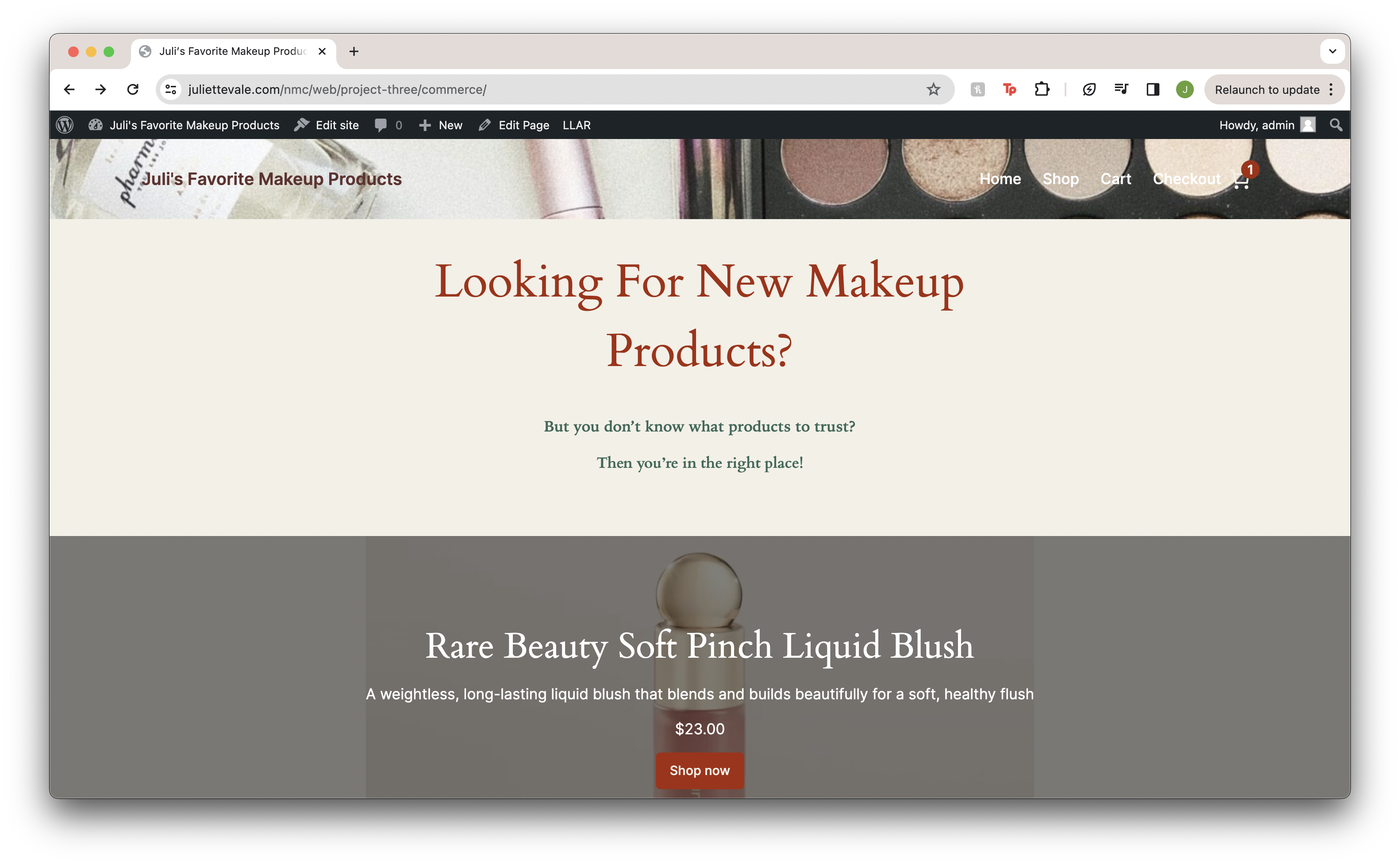 View Project Three Commerce
Skills Acquired
- I learned how to use the basics of the WooCommerce plugin and the basics of the Twenty Twenty Four theme
- I learned how to add different products to my shopping page with its corresponding prices, descriptions, and image
- I learned how to use different widgets and customize the formatting
Struggles Faced
- I was not able to figure out how to change specific text colors, which I hope to figure out for my final project
- I struggled with making widgets smaller, I did not know how to make it not fit to the width of the page
- I had trouble with changing certain text fonts, for example the header text
Things I'm Proud Of
- I am proud of my variations of size for two products, as I included a full-sized and mini version
- I am happy that I was able to figure out how to link the categories on my home page to the actual shopping page
- I like my incoporation of the customer testimonials, as it really makes it look like an online store
Thing I Would Like to Learn
- Nex time, I want to learn how to include more variety with plugins
- I want to learn how to manipulate the text whether its font, color, or formatting
- I want to be better at fixing my allignment of the widgets and content
Project Three Content
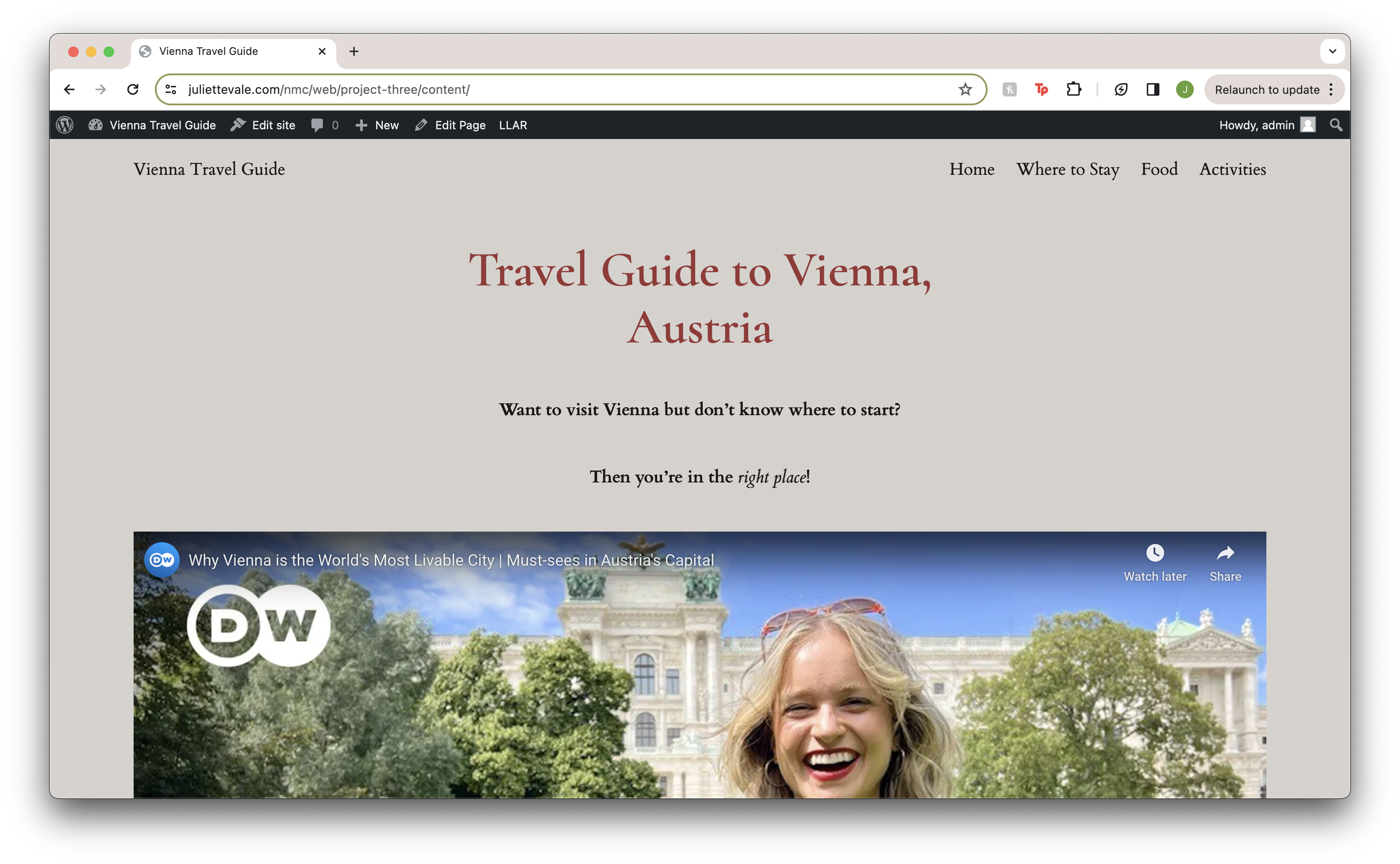 View Project Three Content
Skills Acquired
- I learned how to customize the Twenty Twenty Four theme even further with its multiple pattern options
- I know how to link websites to text
- I know how to switch up the formatting of the widgets and delete unnecessary blocks
Struggles Faced
- I was not able to figure out how to move certain blocks to a different area of the page
- I struggled with having awkward blank spots on the page since I did not know how to hide it
- I had trouble with manipulating the colors and fonts of certain text
Things I'm Proud Of
- I am proud of my inclusion of media such as a YouTube video and a song linked from Spotify
- I am happy that I was able to have a little bit of variety between my pages regarding the patterns
- I am glad my photos not distorted and at a high resolution
Thing I Would Like to Learn
- Nex time, I want to learn how to include a carousel with images
- I want to make sure to also focus on what the site looks like on a mobile device as I did not pay enough attention for this site
- I want to be better at not leaving awkward spaces and not having weird text formatting
Final Project
 View Final Project
My final project is called Pinterest Perfect. I decided to create this website revolving around my Pinterest boards because I thought it would be a challenge for myself to create an innovative way to showcase what I am inspired by. The website contains four subtopics: interior design, fashion, travel, and other.
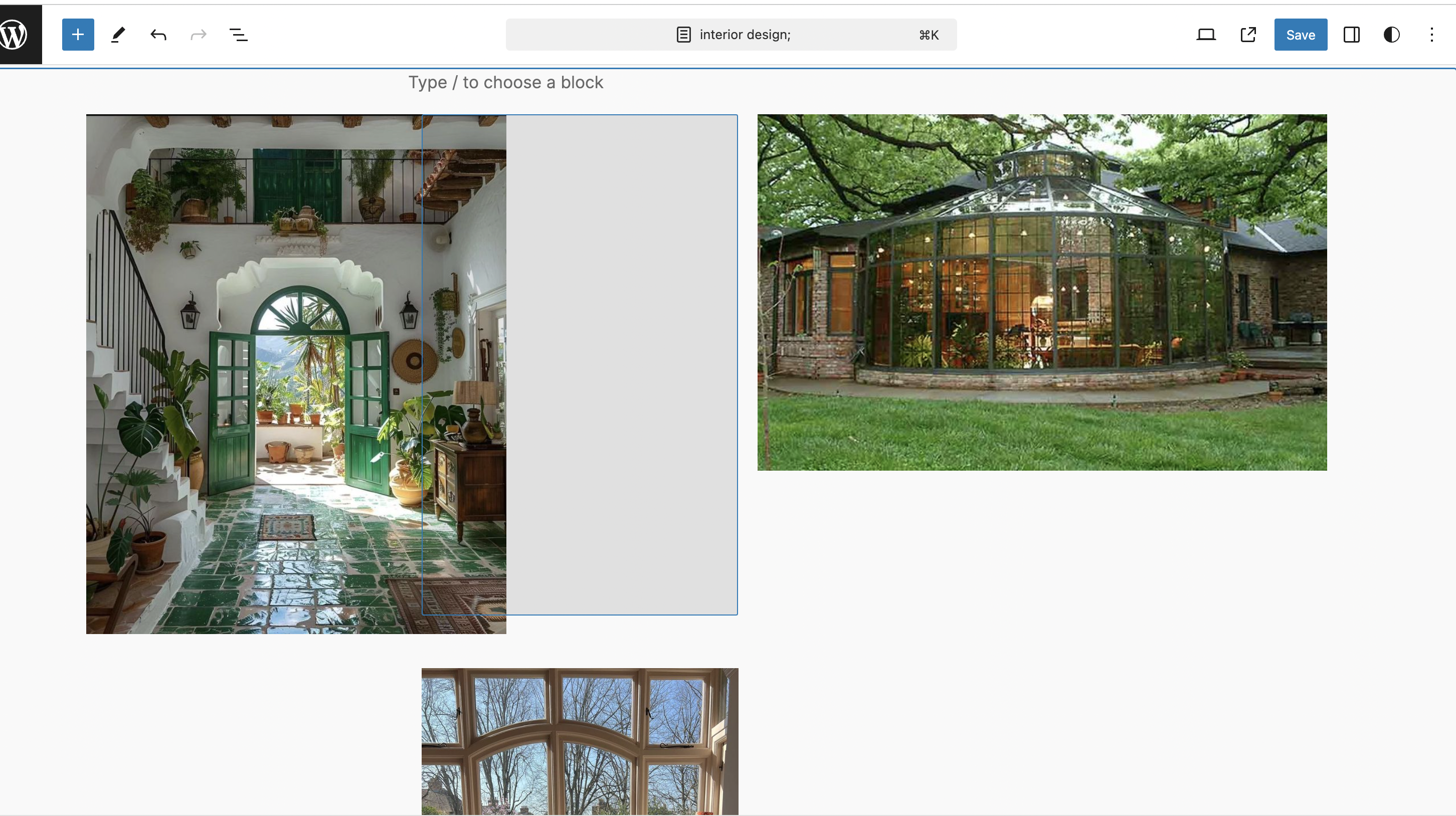
Under the interior design tab, you’ll see a variety of image galleries displaying what I would want my future home to look like or simply design aspects that catch my eye. Here I included a visual portfolio plugin to have a manual slideshow. In this area, I am proud of another plugin I included which is called poll maker. I wanted to incorporate interactive media, and I thought this was perfect as I was able to make a poll about interior design. For this plugin, I had to copy a shortcode and paste it into my page, which was my first time finding out about it and using it. In addition, I like how I still managed to keep it within the color palette of my website.
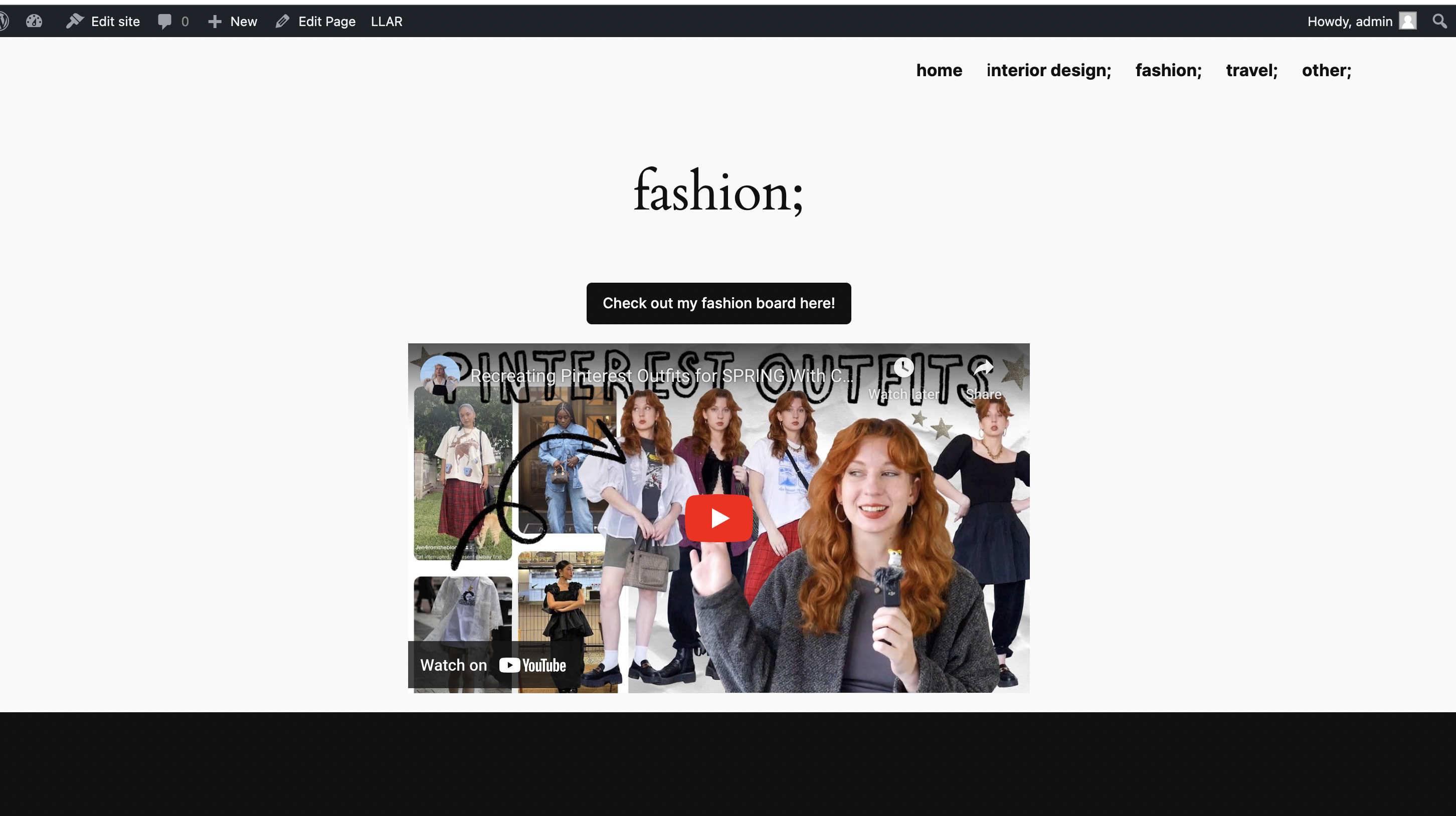
In my fashion subtopic, I gave examples of outfits I liked, giving details of where pieces of clothing were from. This page is my favorite because I like the layout and that you can access the fashion board through a link on the button. I also included a YouTube video of someone recreating Pinterest outfits because I wanted another piece of media that relates to fashion.
In my travel subtopic, I wanted to explore the patterns that the Twenty Twenty-Four template provides. I utilized two different image gallery patterns to show my own travel pictures, as well as pictures from my traveling Pinterest board.
For my last tab, “other,” I decided to create two galleries of other images from my Pinterest that don’t fit into the other categories. I dived deeper into the patterns and found the FAQ’s group. I wanted to add something different to my last page, rather than just have images. I thought this was a unique way to find out more about why I made the website and other questions related to my use of Pinterest.
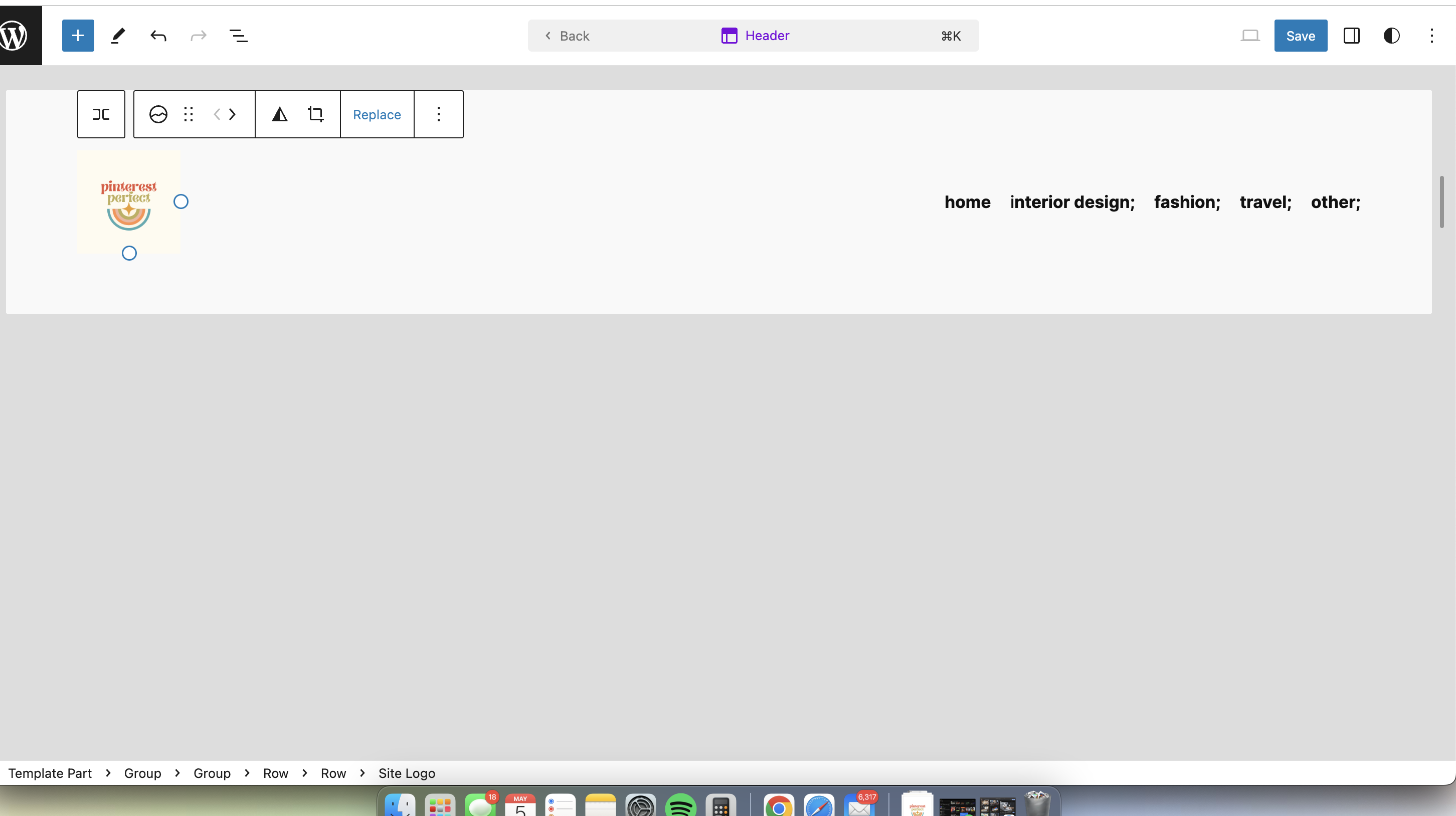
Overall, my biggest obstacle was thinking about what I wanted to add onto each page because I didn’t want the whole website to just be images. I wanted my site to resemble scrolling through Pinterest (hence the limited amount of text) but in an elevated way. At first, I had trouble changing the font colors for certain text because when you change let’s say the body text, then every page that has body text is that same color. I figured out that when you highlight a piece of text and click the option “highlight” you can change the color of only the text you highlighted. I also struggled with including the Pinterest social icon at the right of the navigation bar; it kept going everywhere but where I wanted, but I eventually figured it out. The last thing I would say I am proud of is my own little touch which is the logo I created for the website in Canva. I wanted my website to have a logo because I hadn’t done it for previous projects and I’m happy with the way it came out and appears on the nav bar.